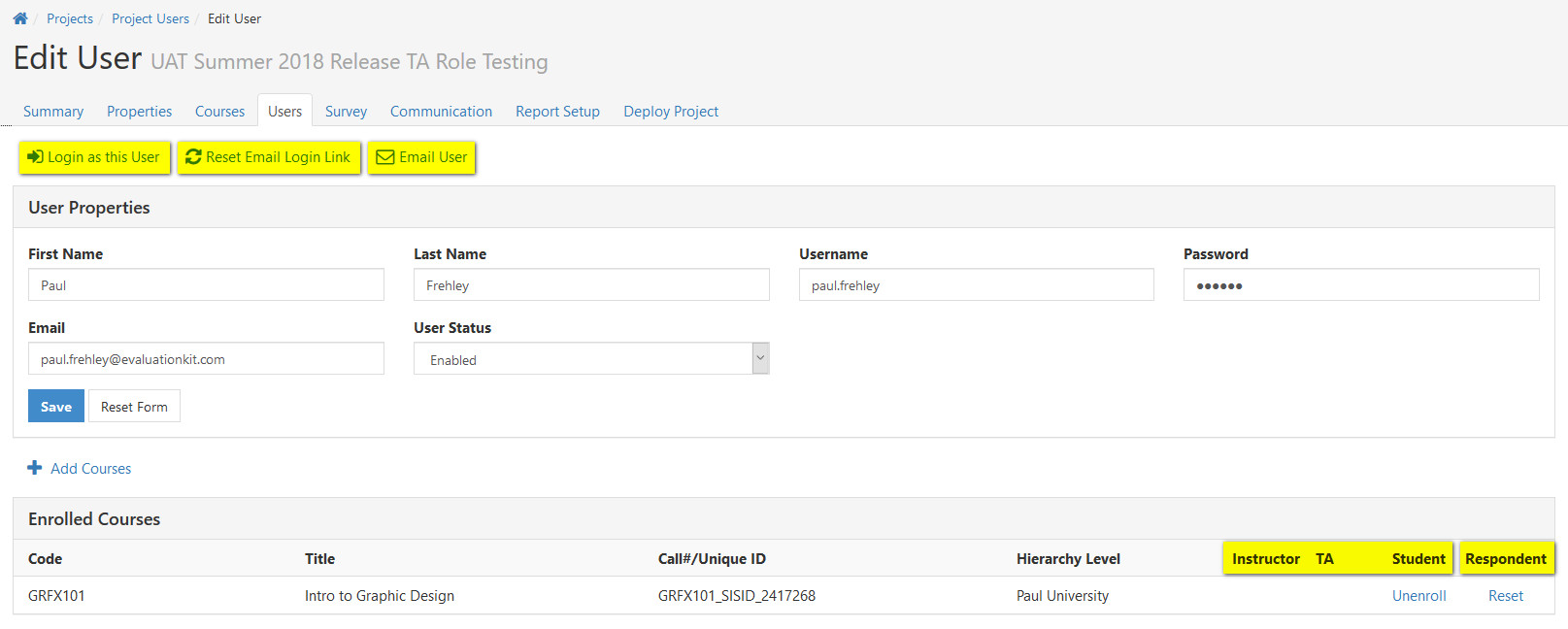
The following article provides information on how to manually edit user information in a project.
-
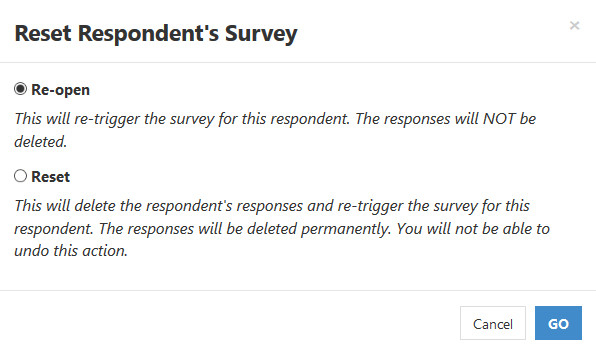
Reset Respondent Survey
- Re-open the survey for a student for a specific course, which will make the survey active again for the student/respondent, without losing their previous submissions. Use this option if the student needs to make minor changes. If the survey is still active for the course, Re-open will be the default option.
- Reset the survey for a student for a specific course, which will delete their responses for all questions to the course. Use this option if the student needs to re-take the entire survey. If the survey access period has ended for the course, Reset will be the default option.
Optional Metadata
Metadata can be manually added to the users, which can be used to filter the user in raw data reports or in Report Builder 2.0.
To add metadata:
- Click Add Optional Metadata.
- Enter the name of the metadata.
- Enter the value of the metadata.
- Click Save.
